

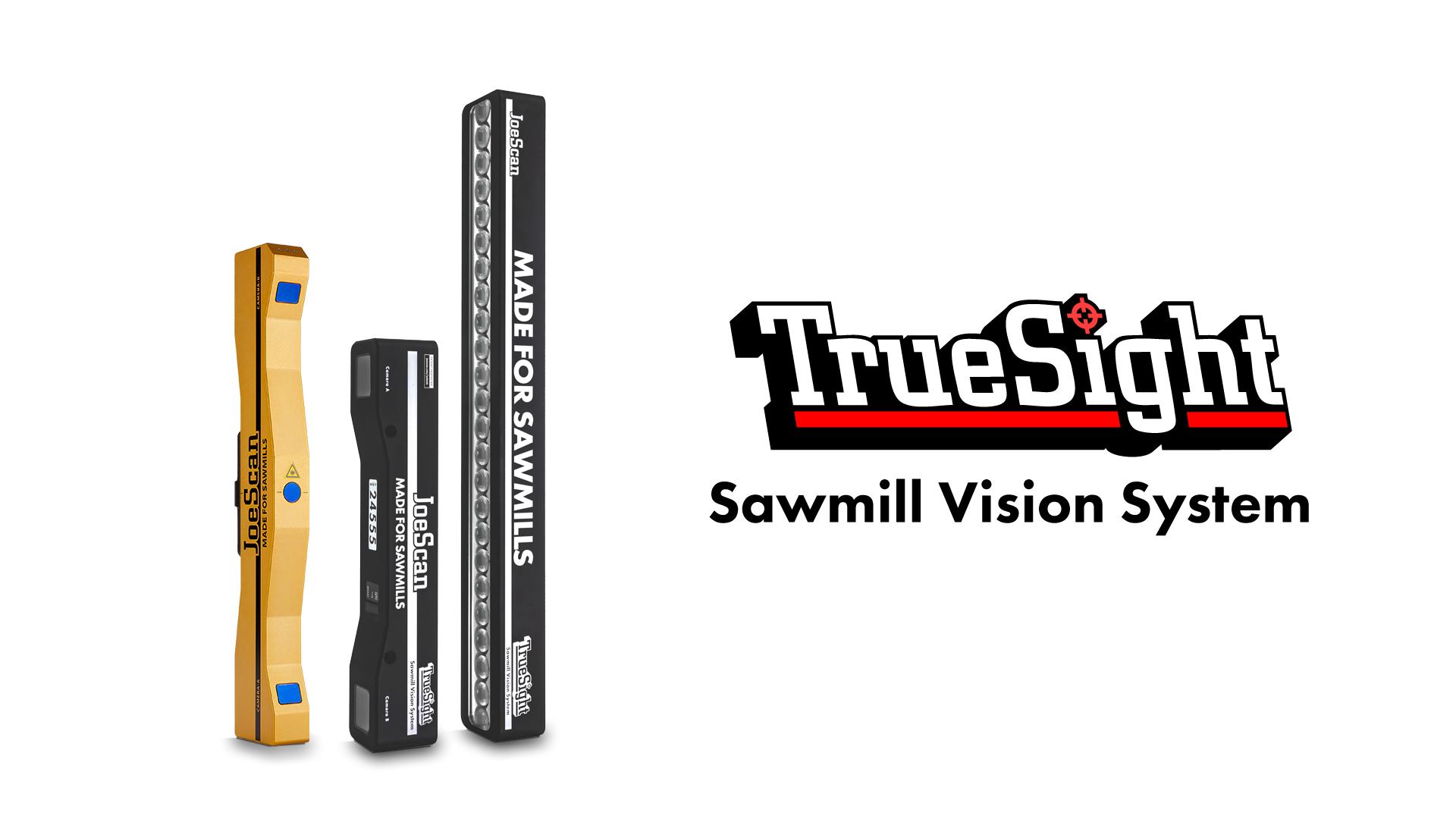
TrueSight is a complete sawmill vision system that combines high-resolution color images with precise geometric measurements. Specifically designed for sawmill applications, it gives optimizers the data needed for automated grading, defect detection, and value-based cutting and sorting decisions. TrueSight can be installed in new machine centers or added to upgrade existing JS-50 WX transverse scanning systems.
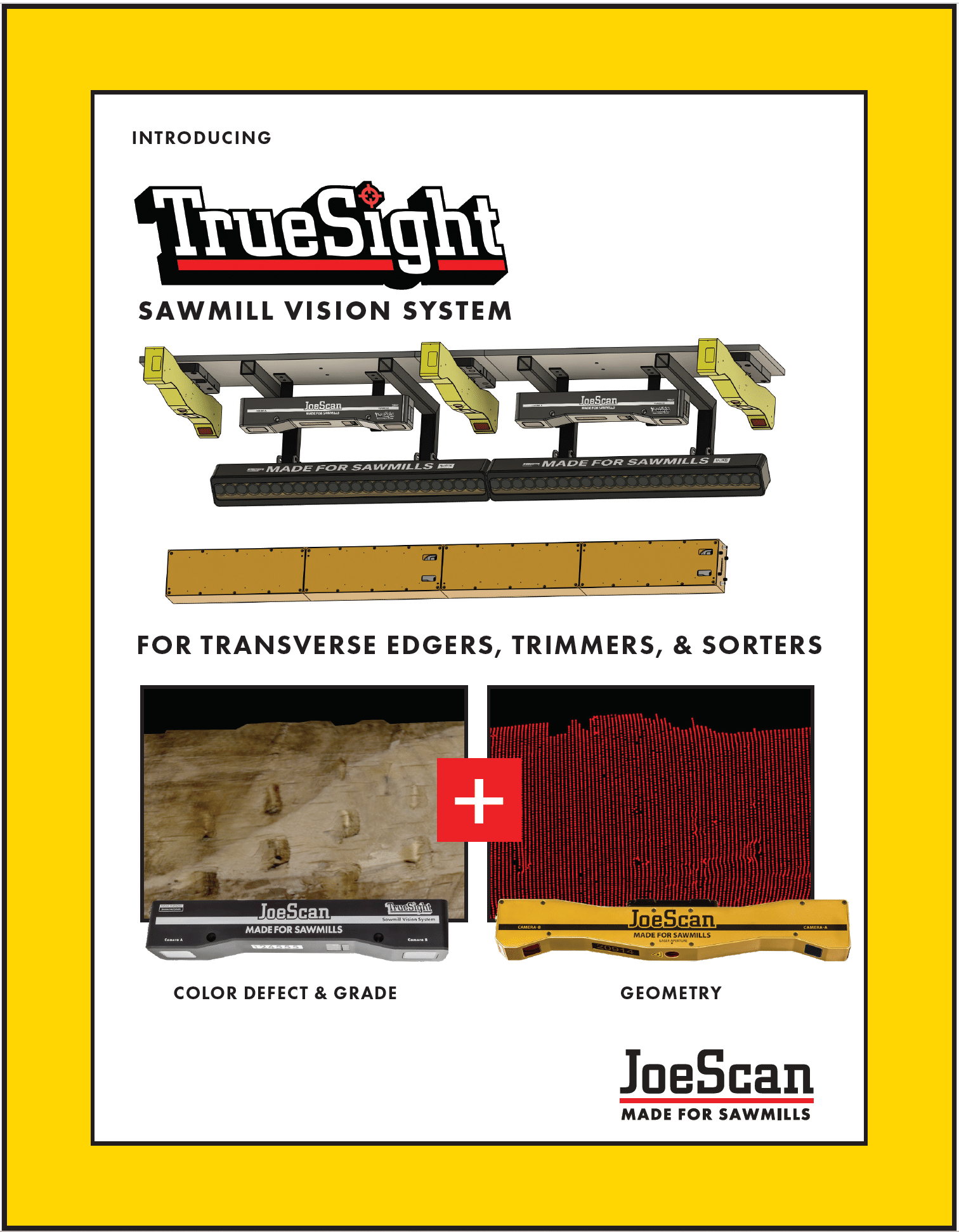
TrueSight builds on JoeScan’s proven sawmill scanning technology with ColorCam vision heads, dedicated lighting, and software designed to work together. Color images are automatically mapped to geometric profiles, simplifying integration and giving your optimizer a more complete picture of every board.
- Color and geometry data in one integrated system
- Upgrade path for existing JS-50 WX transverse systems
- Push-button calibration for geometry and color vision heads
- Single cable power over Ethernet (PoE) connection to ColorCam heads
- Modular design to fit your application
- Simple installation on existing scan frames
- Well-documented API for optimizer integration
- Sawmill-tough hardware backed by a five-year warranty
High definition color board models enable optimizers to find defects including:
• blond knots
• bark inclusions
• rot & stain
• mold & fungus
• pitch, resin, pith
• checks, splits, shake
• worm holes & grub holes
TrueSight delivers great results for the following systems:
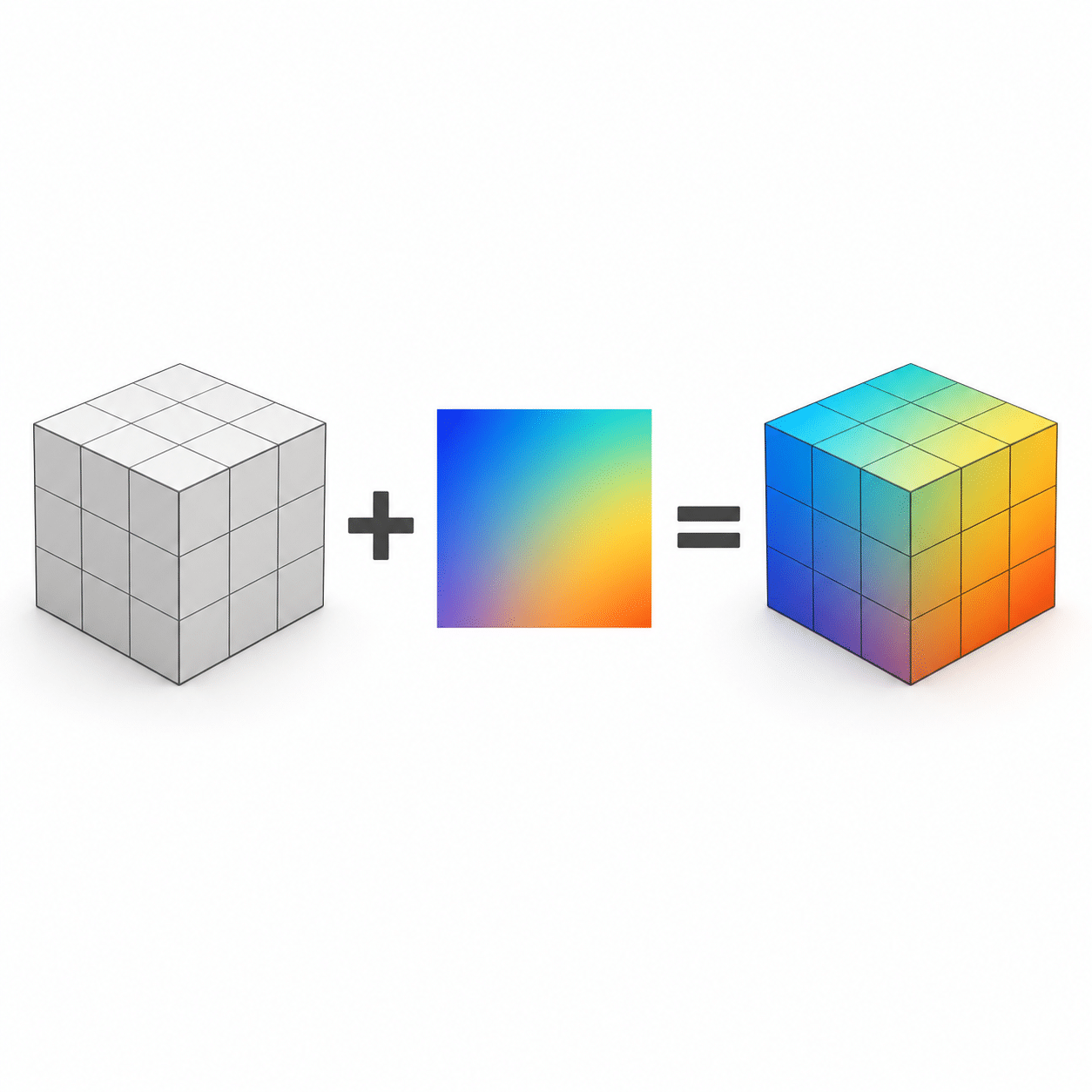
To be clear, TrueSight does not detect defects, generate cutting decisions or assign grades on its own. It enables optimizers and OEMs to do these things better.
TrueSight gathers 3D points and color images of a board, combines them into one board model, and then delivers the model to your favorite optimizer. This frees up the optimizer to focus on what matters most: identifying defects to find you the most value in each cut and give you an accurate grade.
Drag to compare · Illustrative visualization, not actual scan data.
For modern sawmills looking to maximize profitability, TrueSight enables defect detection and autograding from your favorite optimizer, complete with JoeScan’s proven simplicity, reliability, and cost-effectiveness.
COMPONENTS
The TrueSight Sawmill Vision System is designed to work together to quickly and accurately provide color board models for defect-aware optimization and auto-grading.
JS-50 ColorCam and JS-LightBar are engineered and assembled right here in Washington state to be rugged and ready for the mill.
Each other component is carefully customized and vetted to ensure a reliable lifetime of performance.
See below to find out how they all work together.
Hover to highlight. Click or tap a component to view its details below.


JS-50 WX
Dual camera, single laser geometry scanner. Provides sub-milimeter profile points along the board up to 4,000 times a second.
Explore JS-50 WX View accessories
JS-50 ColorCam
Dual camera color sensor. Designed to capture color data and power up to two JS-LightBars.

JS-LightBar
Scratch-built illumination for color imaging.

JS-50 Switch
Customized network hardware to streamline connections and maximize throughput.

TrueSight Hub PC
Processes geometry data, stitches color images, and generates co-registered color board models.

ScanSync
Standard timing and encoder module used for geometry-only and full color TrueSight optimized systems.
STANDOFF & FoV
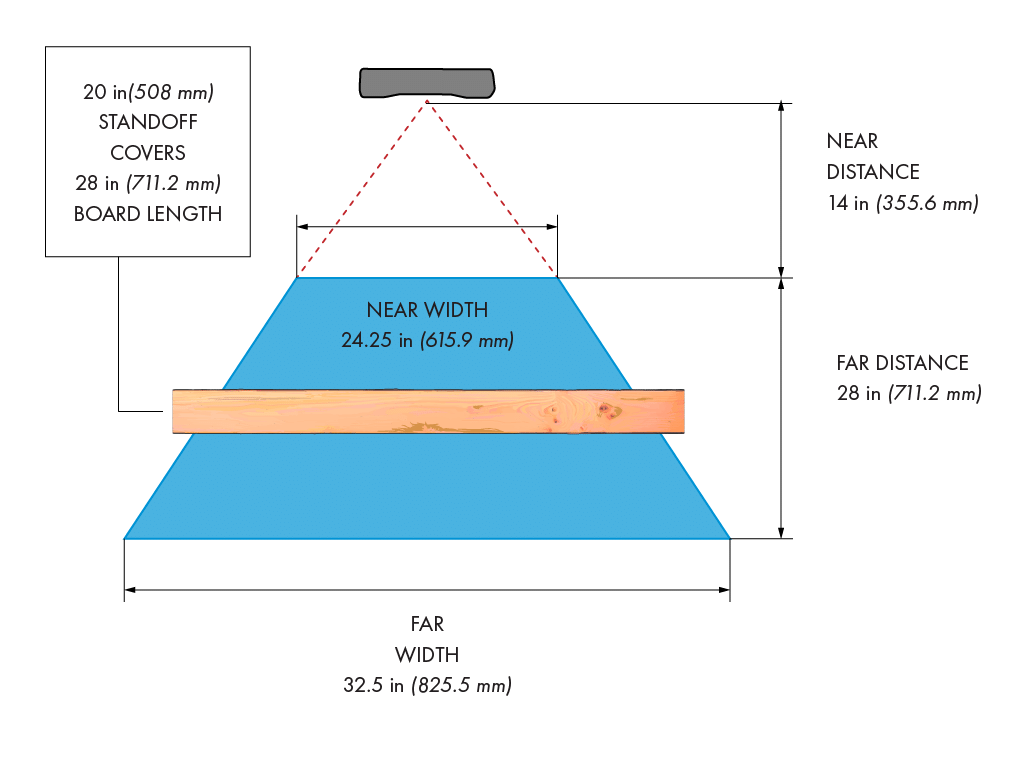
The JS-50 ColorCam’s field of view is designed to work in and around the JS-50 WX scan zone, giving you flexibility in mounting your system. Its standard 20-inch standoff matches the recommended mounting distance for the WX.
Moving ColorCam farther from the board increases coverage while reducing pixel density. The range shown below keeps pixel density above 100 pixels per inch. ColorCam can capture beyond this range, but with reduced performance.
Explore the interactive diagram to see how mounting distance, coverage, and resolution work together.
JS-50 ColorCam Configuration
A simple starting point.
Start with our standard transverse configuration on a single ColorCam.
| Specification | Selected configuration |
|---|---|
| Standoff | 20 in |
| Coverage per head | 27.83 in |
| Resolution | 130.43 ppi |
Loading image…
*Standoff, coverage, and resolution are linked. Confirm your application’s requirements with JoeScan.
SYSTEM LAYOUT
TrueSight can be installed for top-only or top-and-bottom scanning. ColorCam and JS-LightBar fit between JS-50 WX scanners, making it easy to add color vision to an existing WX geometry scanning system.
Each ColorCam provides power and controls directly to one or two JS-LightBars, reducing cable runs. Support for a second lightbar adds flexibility for applications with challenging lighting requirements.
Standard layouts use roughly one WX, one ColorCam, and one JS-LightBar per two feet of board length, per scanned face.
Explore the configurator below to see the layout and hardware counts for your system.
Build your hardware setup.
Choose your board length and scanning configuration.
TrueSight system layout
| Hardware | Units |
|---|---|
| JS-50 WX | |
| JS-50 ColorCam | |
| JS-LightBar |
SPEED
The entire TrueSight system is designed to give your optimizer more time to find the right solution for each board. From scanning through model delivery, its components work together to get completed color board models to your optimizer quickly.
The time between completing a scan and delivering its model—called latency—helps determine how much time remains for optimization and machine response.
Lug rate and spacing determine line speed, while scan and image capture rates determine the detail captured at that speed. Together with latency, these numbers help establish the distance needed between the scan zone and your saws.
Explore the specifications below to see how timing, throughput, and detail work together in your installation.
LIGHTING
MADE TO BE
SIMPLE
MADE TO BE
RELIABLE
MADE FOR
SAWMILLS
FEATURES
Pulsed-lasers
Prolongs the life of your scanner and gives you greater placement flexibility.
Integrated components
Full-stack hardware & software for peak sawmill performance.
Low-level API
Get the data you need, in the way you want it.
5 year warranty
Along with our 10 year support policy.
DIAGRAMS
Click to enlarge images.
Coming soon
GALLERY
Click to enlarge images.
Coming Soon
SERVICE & SUPPORT
Need help with your scanner? We’re here for you.

SUPPORT POLICY
We want upgrade decisions to be made by you, not by “planned obsolescence”.
That’s why we support every new JoeScan for 10 years from the date we ship to you.
You can count on us to provide after-warranty service and parts during this period.

PRODUCT WARRANTY
We stand by everything we make.
If there’s a defect with one of your JoeScans, we’ll make it right. Simple as that.
NEED HUMAN HELP?
We’re always happy to answer your questions. Someone from our team will get back to you in a flash.
NEED HUMAN HELP?
We’re always happy to answer your questions. Someone from our team will get back to you in a flash.
LET’S CHAT
+1.360.993.0069
Then
SALES
Press 2
REPAIRS
Press 3
ENGINEERING